Salesman Commission

From the top menu: Setup - Customers - Salesmen or alternatively Main menu: 1 - 23
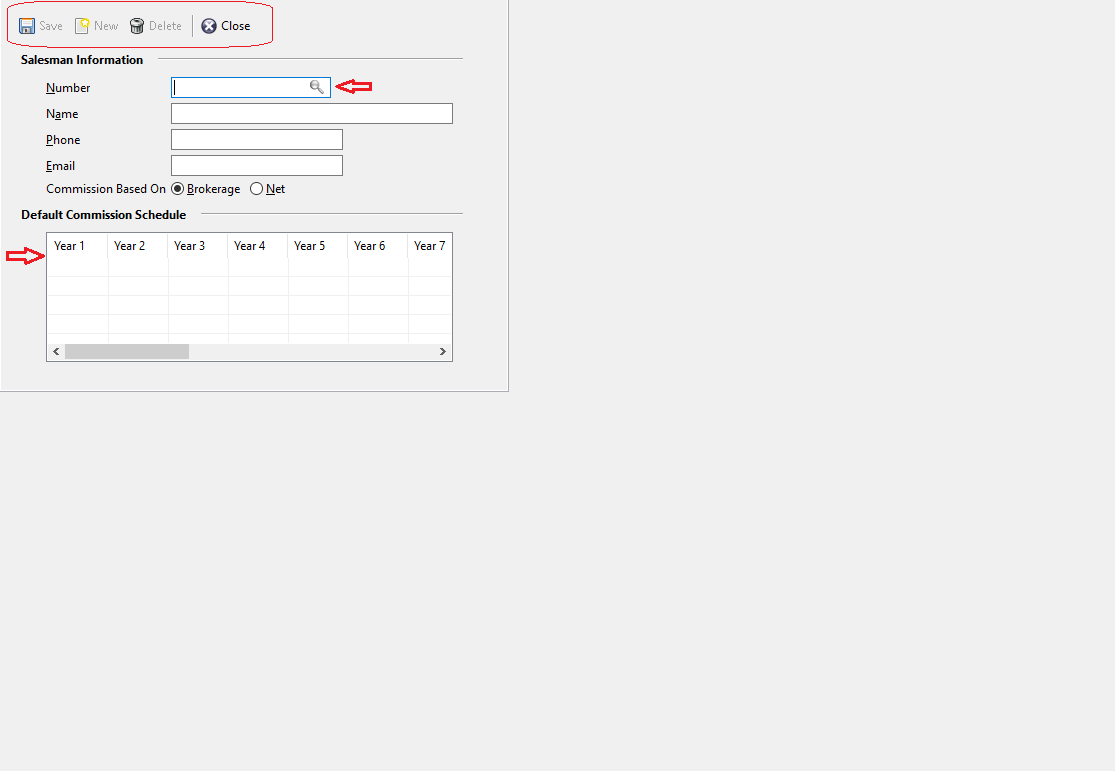
- Click on New to create a new salesman number or click on the lookup icon to load previously created salesmen
- Enter the Name, Phone and Email address
- Select the appropriate commission based on: Brokerage or Net
- And in the schedule you can define the commission for the above created salesman for Year 1, Year 2, Year 3 etc.
How to pay Salesman?
Main Menu: 1 - 23 - 3
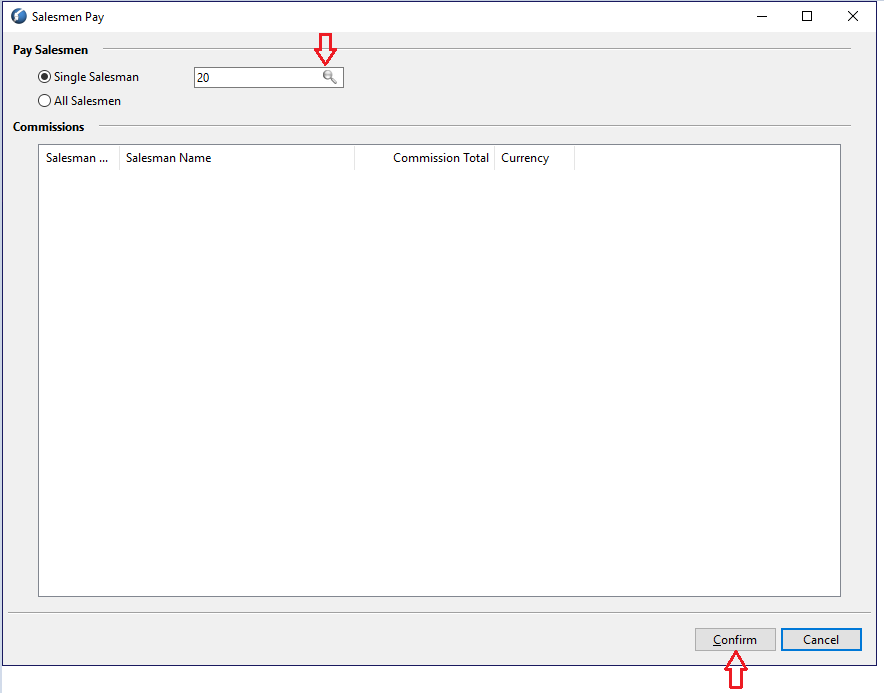
Click on the lookup icon to search and load the salesman of choice, and click on Confirm at the bottom right to pay. The user will get a prompt, "Do you want to mark the commission as paid?" Click on yes or no accordingly.
How to print Salesman Commission Report?
Main Menu: 1 - 23 - 2
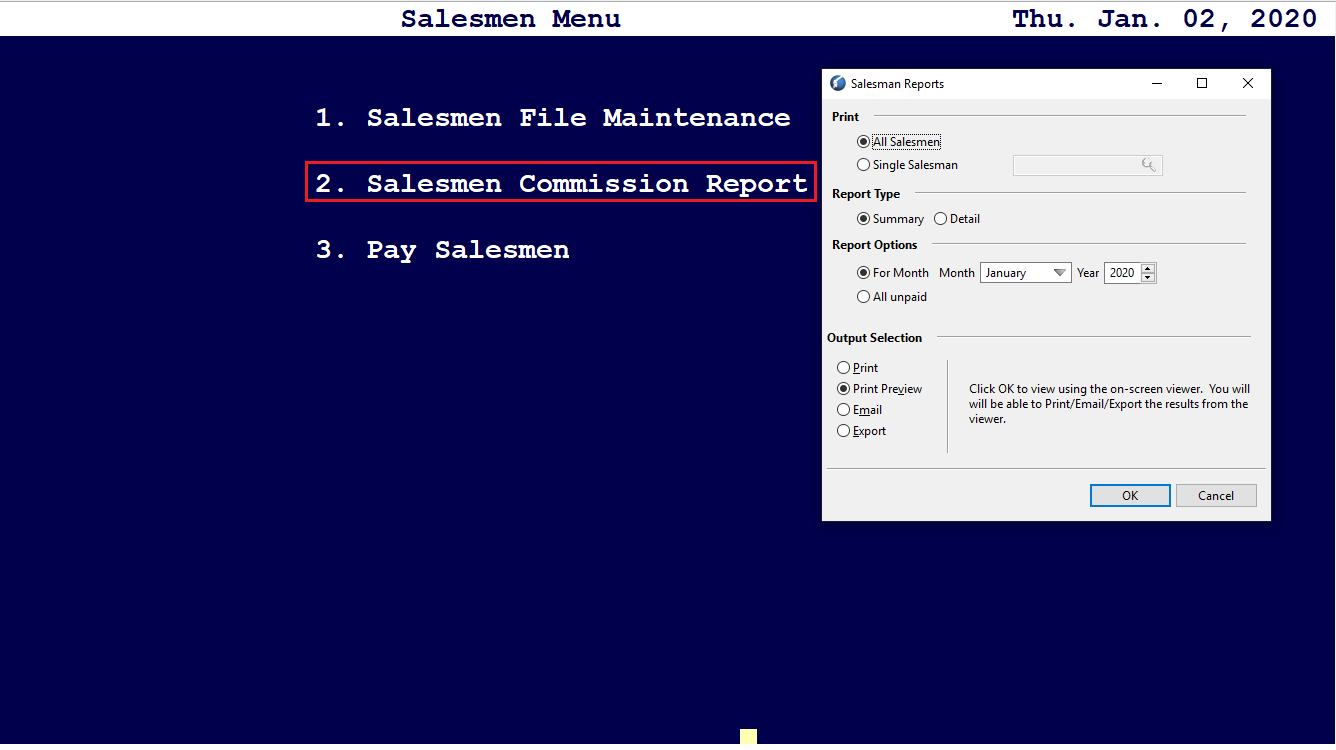
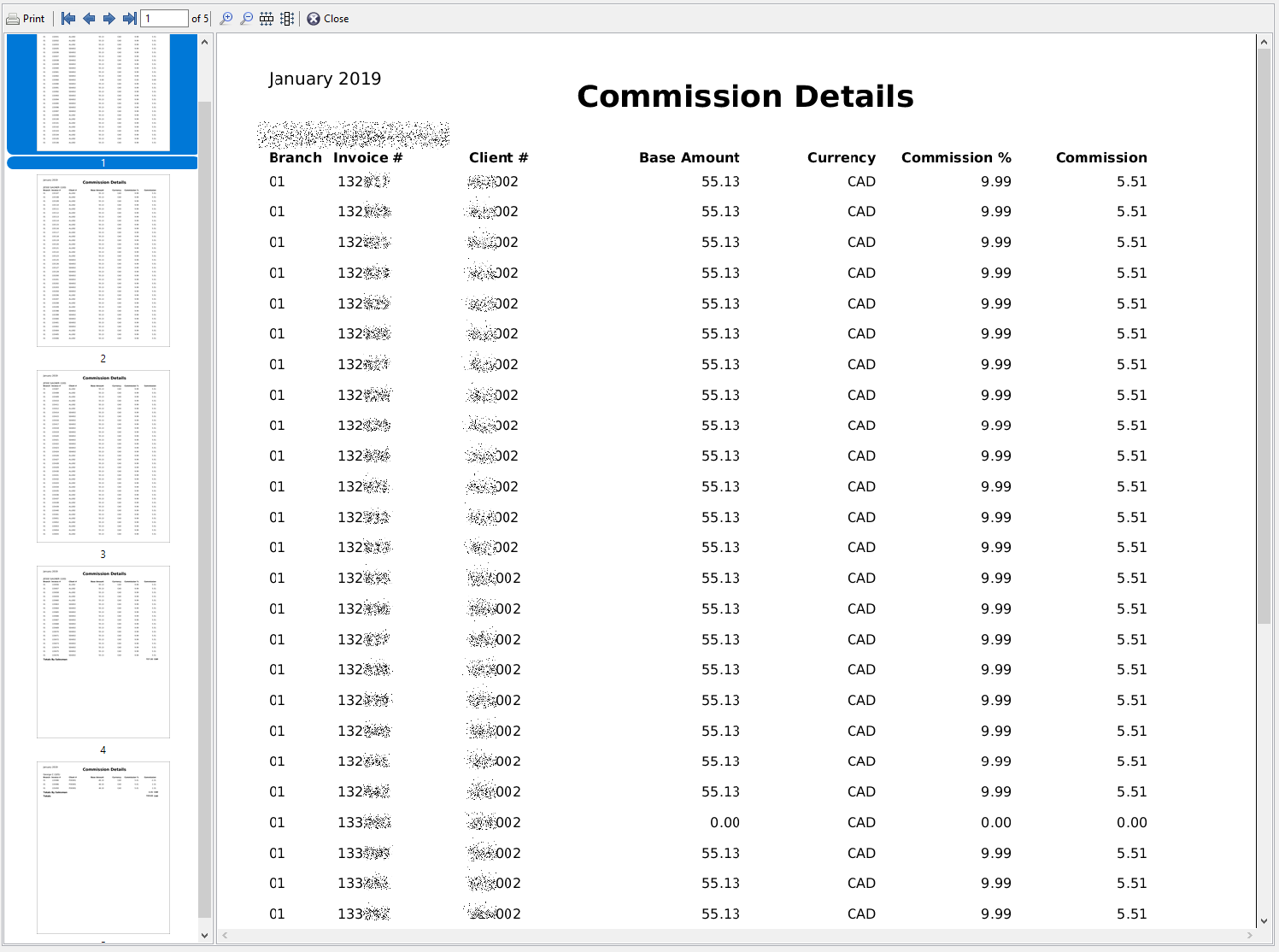
Comments
0 comments
Article is closed for comments.