Client Invoicing HST Description Customization

Main Menu: Invoicing(2) - Setup(9) - H.S.T Descriptions(3) or from the Top menu: Setup - Invoicing - H.S.T Descriptions
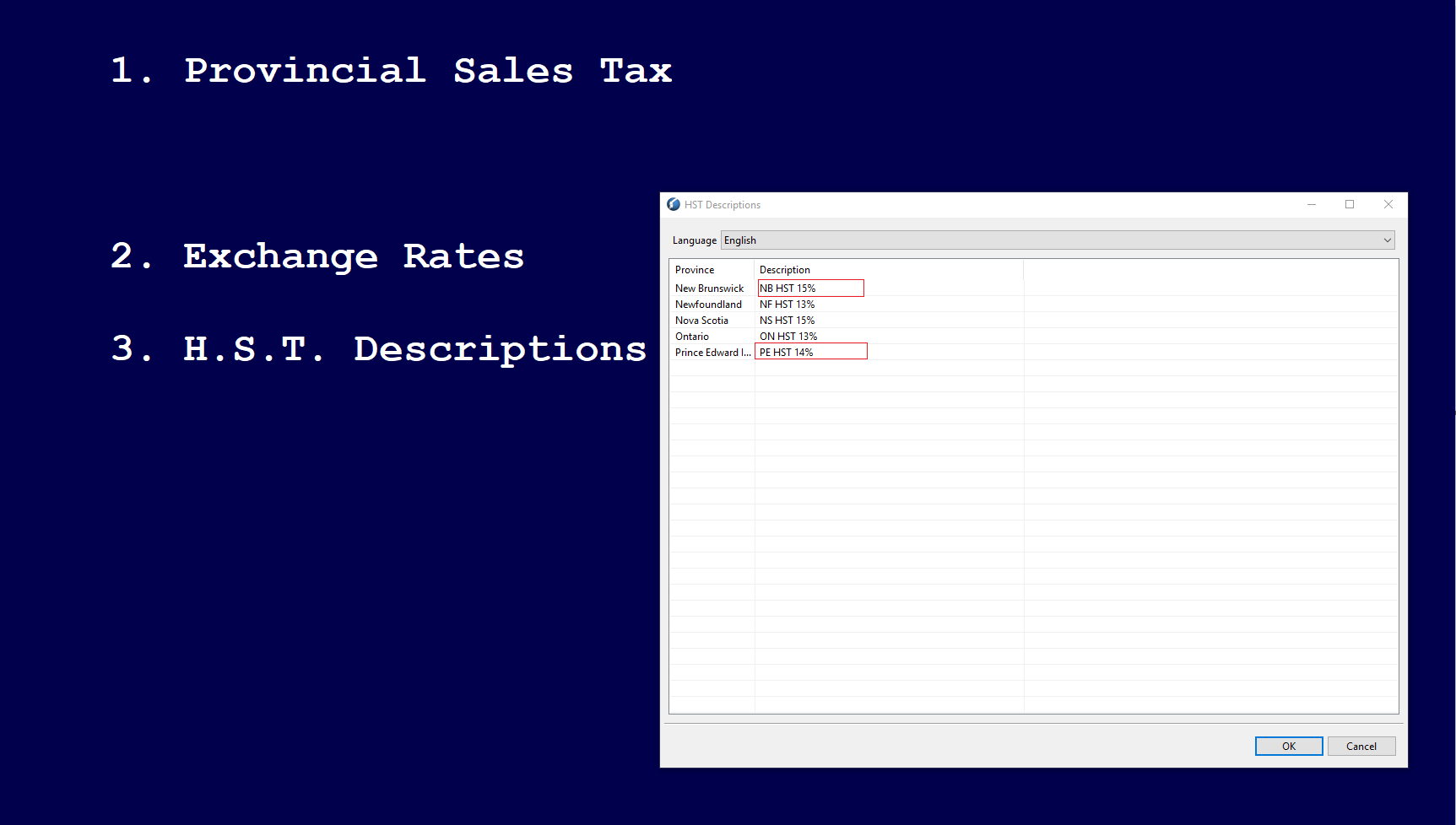
Double-click on the 'Description' highlighted in red box to edit the text, and then click on 'OK' to save.
Comments
0 comments
Article is closed for comments.