Close/Terminate Candata from the Task Manager

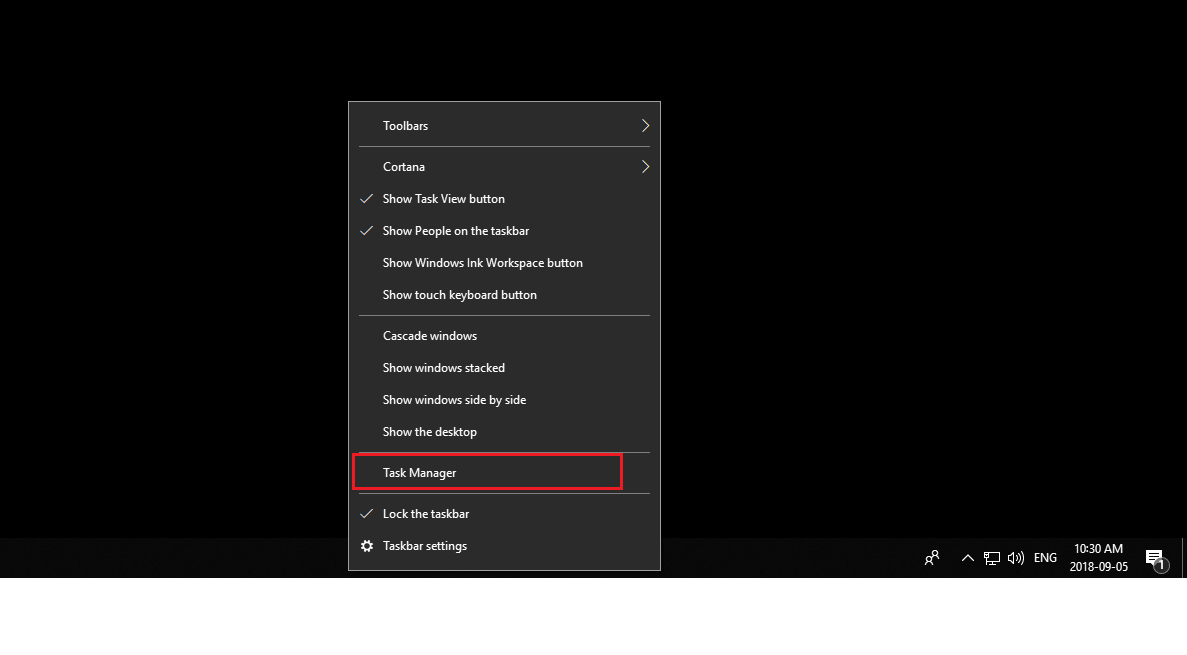
From your Windows desktop, right-click on the Task Bar and select 'Task Manager' from the context menu. See below:
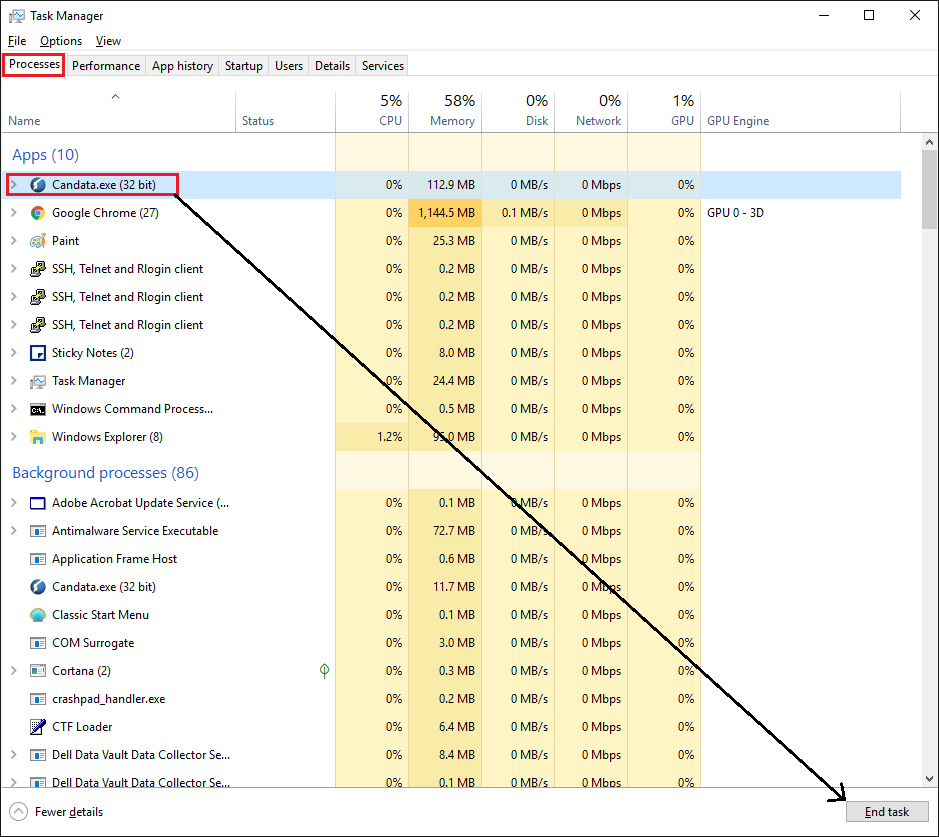
Once the Task Manager is launched, click on Processes tab, and browse under 'Apps' to find Candata.exe. Select the app, and click on End Task on bottom right corner
Comments
0 comments
Article is closed for comments.